Discover fleet management step by step to automate bookings, streamline dispatch, and boost efficiency for charter operators using advanced SaaS tools.
Fleet Management Step by Step: Optimize Operations Easily
Managing a charter fleet often means juggling last-minute calls, scattered bookings, and unexpected breakdowns. For Canadian transportation companies, outdated manual processes waste time and lead to missed revenue. With the move to real-time tracking and automated booking, you can shift from reactive firefighting to proactive, data-driven decisions. This guide walks you through the proven steps to launch digital systems that handle reservation management, pricing, and dispatch with less stress and more control.
Table of Contents
Step 1: Set Up Digital Fleet Management Tools
Step 2: Configure Automated Booking And Pricing
Step 3: Implement Real-Time Dispatch And Tracking
Step 4: Verify Operational Efficiency And Data Accuracy
Quick Summary
Key Insight | Explanation |
|---|---|
1. Choose the Right Platform | Select a fleet management solution that suits your operation size and complexity for optimal efficiency. |
2. Automate Booking and Pricing | Implement automated systems to enhance booking speed and accuracy, capturing revenue round-the-clock. |
3. Ensure Real-Time Tracking | Equip vehicles with GPS for instantaneous dispatch and monitoring, improving coordination significantly. |
4. Verify Data Accuracy | Conduct regular data audits to confirm the system’s reports align with real-world operations. |
5. Start Small with Testing | Test your setup on a smaller scale before broader implementation to identify and resolve issues efficiently. |
Step 1: Set up digital fleet management tools
You’re about to transform how your charter or shuttle operation runs. Setting up digital fleet management tools replaces scattered spreadsheets, phone calls, and guesswork with real-time visibility and automated decision-making.
Start by choosing a platform that matches your operation size and complexity. Your system needs to handle real-time tracking, maintenance scheduling, and reservation management without requiring a IT degree to operate. Look for solutions that integrate seamlessly with your existing booking channels and reporting processes.
Here’s what you need to do during setup:
Define your key metrics: Decide what matters most (vehicle utilization rates, fuel costs, maintenance intervals, revenue per trip, on-time performance).
Map your current workflow: Document how bookings flow, how dispatch works, and where manual data entry happens today.
Identify integration points: Determine which systems must talk to each other (reservation system, accounting software, GPS trackers).
Set user access levels: Plan who needs admin access, who can only view reports, and who manages dispatch.
When implementing real-time data collection and analysis systems, configure your GPS tracking first. This is the foundation. Your vehicles need to transmit location, fuel consumption, idle time, and maintenance alerts continuously. Without accurate data flowing in, the system can’t make intelligent decisions.
Next, connect your telematics hardware to the platform. This might be GPS devices, OBD-II readers, or integrated vehicle systems. Test the connection thoroughly before rolling it out across your entire fleet. One misconfigured vehicle throws off your whole reporting.
Your setup is complete when drivers see their assignments instantly, dispatch has real-time vehicle locations, and you receive automated maintenance alerts before breakdowns happen.
Expect this initial setup to take 2-4 weeks depending on fleet size. You’ll spend time uploading vehicle information, creating driver profiles, and testing workflows. Don’t rush it. Getting the foundation right prevents months of confusion later.
Pro tip: Start with one smaller route or vehicle type to test your system before rolling out company-wide. Real problems surface quickly, and fixing them on a small scale costs nothing compared to retraining your entire operation.
Step 2: Configure automated booking and pricing
This is where your operation shifts from reactive to profitable. Automated booking and pricing eliminates manual quote requests, reduces errors, and captures sales 24/7 without staff involvement.
Start by defining your pricing structure. You need to decide whether you’ll use fixed rates, distance-based pricing, time-based pricing, or dynamic pricing that adjusts based on demand. Most Canadian charter operators benefit from a combination—a base rate plus distance, time, or passenger count variables.
Here’s how to configure this step by step:
Map your service types: List every service you offer (hourly charter, airport shuttle, tour, school transport, corporate event).
Set base rates: Define your minimum charge and hourly or per-mile rates for each service type.
Add surcharges and discounts: Build in rules for peak times, fuel adjustments, or loyalty discounts.
Define booking rules: Set minimum notice periods, cancellation penalties, and deposit requirements.
When setting up automated booking systems with reservation management, establish clear rules for availability. Your system must know which vehicles can handle which jobs based on capacity, location, and maintenance schedules. A booking that assigns a 20-passenger coach to a 5-person corporate run wastes money.
Next, connect your pricing engine to your reservation system. When a customer requests a quote, the system should instantly calculate costs based on date, time, distance, vehicle type, and any applicable surcharges. This happens in seconds, not hours.
Test with real bookings before going live. Run 20-30 test reservations through your system. Check that pricing calculates correctly, confirmations generate properly, and driver assignments make sense. One pricing error multiplied across hundreds of bookings damages your margin.
Your system works when customers receive instant quotes without human intervention, and you never miss a profitable booking because processing took too long.
Pro tip: Start with simple pricing logic and add complexity gradually. Once you nail fixed rates plus distance, then layer in dynamic pricing. Overcomplicating rules upfront creates bugs and staff confusion that take months to untangle.
Compare popular pricing strategies for charter operations:
Pricing Type | How It Works | Best Use Case | Business Impact |
|---|---|---|---|
Fixed rate | Flat fee per trip | Simple, short shuttles | Predictable revenue, easy for customers |
Distance-based | Price by mileage | Long routes or variable trips | Aligns revenue with costs |
Time-based | Charged by hour | Hourly charters, events | Flexible for changing needs |
Dynamic pricing | Adjusted for demand | Busy seasons or special events | Maximizes profits during peak times |
Step 3: Implement real-time dispatch and tracking
Your drivers need assignments instantly, and you need visibility into every vehicle at every moment. Real-time dispatch and tracking turns your operation from guesswork into precision coordination.

Start by ensuring your GPS hardware is installed and communicating properly with your fleet management platform. Each vehicle needs a device that transmits location, speed, and status continuously. This isn’t optional—it’s the nervous system of your operation.
Here’s what you need to configure:
Assign dispatch zones: Divide your service area into logical zones so the system can match nearby vehicles to jobs automatically.
Set routing rules: Tell your system whether to prioritize closest vehicle, vehicle availability, or driver preference.
Enable driver notifications: Configure how drivers receive assignments (phone alert, app notification, tablet screen).
Track performance metrics: Monitor on-time arrival, idle time, and fuel consumption from live data.
When you implement real-time vehicle tracking using GPS technology, your dispatch team gains the ability to make instant decisions. A customer calls with an urgent request. The system shows five available vehicles within the service area. Your dispatcher assigns the closest one with one tap. The driver receives the assignment in real time and heads out.
Connect your dispatch system to your booking platform so assignments happen automatically when reservations confirm. A customer books a shuttle. Your system instantly checks vehicle availability, assigns the nearest driver, and sends a notification. Your team never manually assigns jobs again.
Monitor your dispatch performance daily. Track average response times, assignment acceptance rates, and route efficiency. If drivers consistently reject certain assignments, your routing rules need adjustment. If vehicles are sitting idle, your pricing or marketing might need tweaking.
Real-time tracking works when your dispatcher can see every vehicle’s location, current job, and availability status on a single screen without manually checking five different systems.
Expect a 30 to 40 percent improvement in asset utilization within the first three months. Vehicles spend less time idle. Response times drop. Customer satisfaction increases because pickups happen faster.
Pro tip: Train your dispatch team to trust the system’s recommendations before overriding them. Drivers often know faster routes or have legitimate reasons to decline jobs, but algorithm-recommended assignments outperform manual decisions 7 out of 10 times.
Step 4: Verify operational efficiency and data accuracy
You’ve built the system. Now you need proof it’s actually working and delivering the promised improvements. Verifying operational efficiency and data accuracy prevents you from making decisions based on corrupted information.
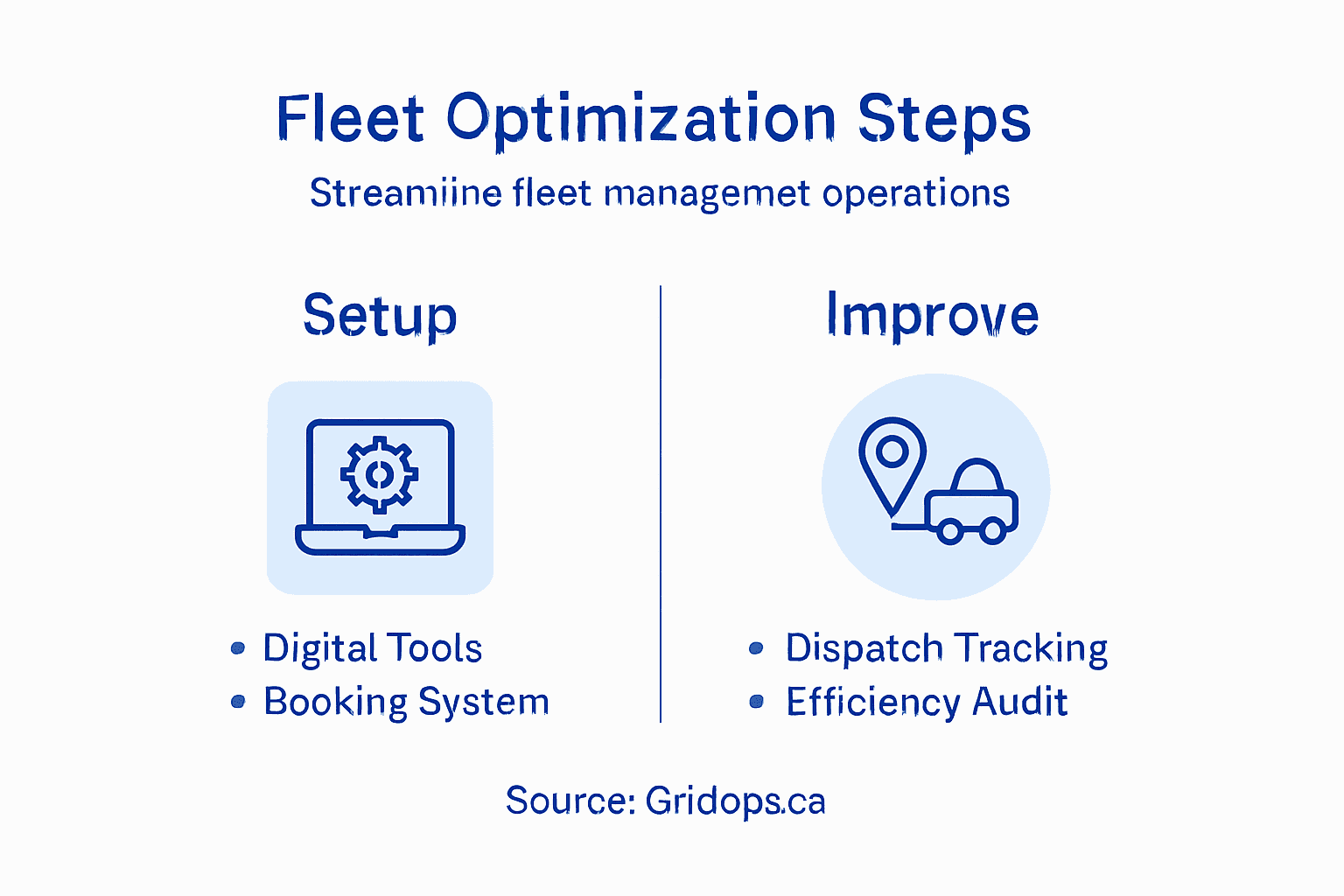
Start with a data audit. Pull reports from your fleet management platform covering the last 30 days. Compare booking numbers, revenue figures, and vehicle utilization rates against your manual records from before implementation. Discrepancies reveal data entry errors, system miscalculations, or integration problems that need fixing.
Verify these key metrics:
Fuel consumption accuracy: Compare GPS-reported mileage against actual fuel purchases and driver logs.
Revenue reconciliation: Match system-calculated fares against what customers actually paid.
Vehicle utilization rates: Confirm the system accurately reflects hours in use versus idle time.
Maintenance scheduling: Check that preventive maintenance alerts align with manufacturer recommendations.
Use standardized measurement procedures for fleet efficiency to establish baseline metrics before you started and current metrics now. This comparison shows whether your new system is actually improving operations or creating the illusion of improvement.
Run spot checks on dispatch accuracy. Sample 50 recent trips. Verify that the system assigned the right vehicle type, that drivers arrived within the promised window, and that routing was efficient. One driver consistently taking longer routes? That’s a training issue, not a system failure.
Check driver and dispatcher feedback. Are they finding workarounds? Do they trust the system? If your best dispatcher still relies on personal experience instead of system recommendations, something in your configuration doesn’t match real-world operations.
Your data is accurate when three independent sources (system records, driver logs, fuel receipts) agree within 5 percent on key metrics like mileage and fuel consumption.
Schedule monthly verification audits going forward. Set specific targets for improvement. If you’re not seeing the efficiency gains you expected after 90 days, investigate before assumptions compound.
Pro tip: Train one team member to become your data quality champion. They should spot-check a sample of transactions weekly, flag anomalies immediately, and report trends monthly. One person focused on accuracy prevents small errors from snowballing into systemic problems.
Here’s a summary of the four main steps for digital fleet management system implementation:
Step | Core Objective | Key Technology | Expected Result |
|---|---|---|---|
Set up tools | Digitize fleet operations | Fleet management platform, GPS | Real-time visibility, automation |
Booking/pricing | Automate sales, pricing | Reservation system, pricing engine | Instant quotes, reduced errors |
Dispatch/tracking | Enable fast vehicle assignment | GPS, dispatch software | Improved coordination, asset utilization |
Verify efficiency | Ensure data accuracy | Analytics tools, audits | Reliable reporting, continuous improvement |
Transform Your Charter Operations with Proven Fleet Management Solutions
The article highlights common challenges like manual booking processes, inaccurate data, and inefficient dispatch that slow down Canadian charter and shuttle services. If you are struggling with scattered spreadsheets, slow quote responses, or lack of real-time vehicle tracking, you are not alone. Key goals include automating booking and pricing, verifying data accuracy, and enabling instant dispatch. These are essential to boosting fleet utilization, increasing profit margins, and improving customer satisfaction.
At Gridops.ca, we specialize in overcoming these exact pain points by offering a Canadian-based SaaS platform built to streamline fleet management end to end. Our system provides automated quotes and instant booking, dynamic pricing tailored to your service types, and live dispatch with real-time tracking. Say goodbye to costly manual errors and slow responses. With advanced features like digital trip sheets and financial analytics, you gain reliable data to verify operational efficiency. Our secure, scalable platform connects you to major resellers and expands your sales channels to grow your business confidently.
Take control of your fleet management starting now and experience the difference that intelligent automation makes. Explore how automated booking and pricing and real-time dispatch tools can elevate your operations. Visit Gridops.ca today to unlock your fleet’s full potential and stop letting inefficiencies hold you back.

Frequently Asked Questions
How do I set up digital fleet management tools?
To set up digital fleet management tools, start by choosing a platform that matches your operation’s size and complexity. Define your key metrics, map your current workflow, and identify integration points among your existing systems.
What are the steps to automate booking and pricing in fleet management?
Automate booking and pricing by defining your pricing structure first. Set base rates, surcharges, and booking rules so your system can provide instant quotes for your services without manual input, thereby capturing more revenue 24/7.
How can I implement real-time dispatch and tracking for my fleet?
Implement real-time dispatch and tracking by installing GPS hardware that communicates with your fleet management platform. Assign dispatch zones and set routing rules so that vehicle assignments are made automatically based on availability and proximity.
What metrics should I verify to ensure operational efficiency?
Verify key metrics such as fuel consumption accuracy, revenue reconciliation, and vehicle utilization rates regularly. Performing a data audit monthly will help identify discrepancies, allowing you to make informed decisions based on reliable information.
How long does it typically take to set up a fleet management system?
Setting up a fleet management system typically takes 2-4 weeks, depending on the size of your fleet. Don’t rush this process; taking the time to upload vehicle information and test workflows accurately will help prevent confusion down the line.
Recommended